The easiest way to share files between your Windows VM and host
I have no idea why most guides overcomplicates things by making you setup Samba on your host. Now you’re installing something external, and you have to start Samba every time you start your VM or have it enabled all the time…
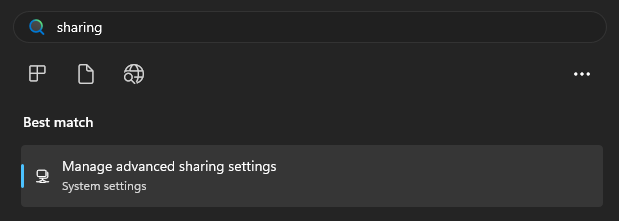
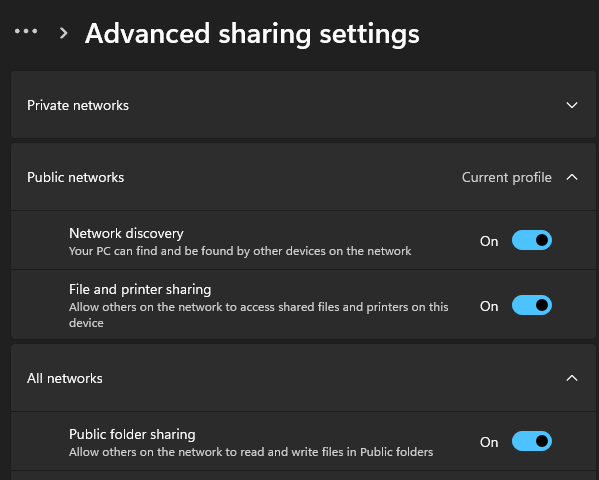
The thing is, SMB file sharing is already built-in on Windows. You can enable it in a few clicks: Network & internet > Advanced network settings > Advanced sharing settings > Public folder sharing.
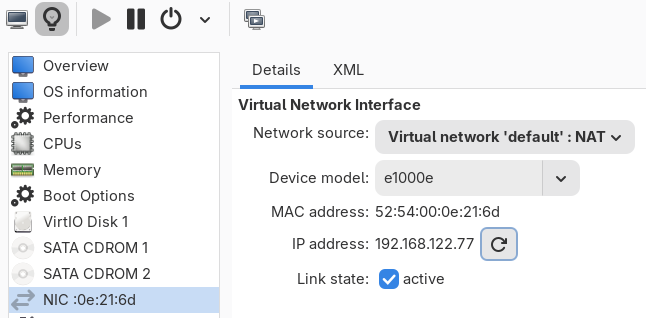
In case you don’t know your VM’s ip, you can get it from: Show virtual hardware details > (your NIC) > IP address. If it’s not there press the refresh button while the VM is running.
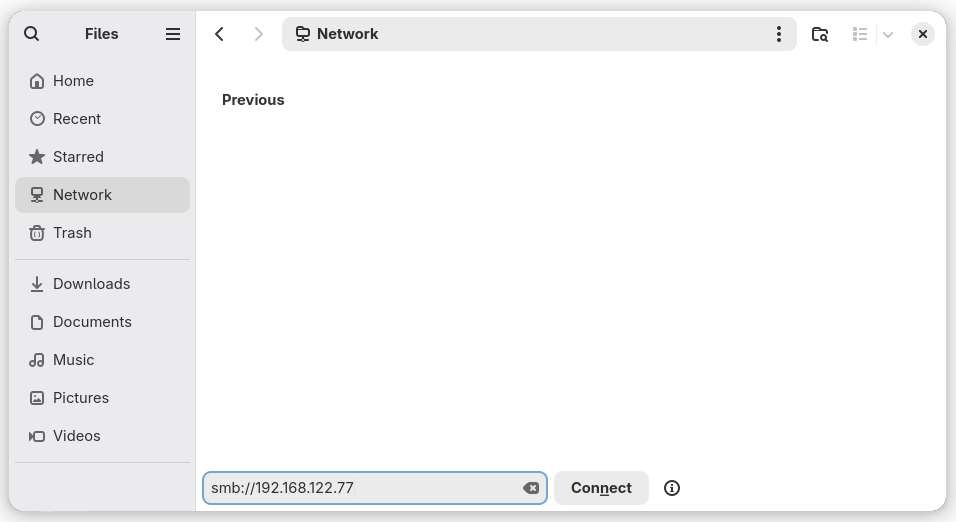
Now you can connect to it using pretty much every file manager under the sun. Note the smb://, and you have to enter your Windows username/password.
That’s it. There’s no more. No installation needed. To this day I still have no idea why are the guides not teaching this.
Comments
unfortunately there are no email notifications here, maybe i'll switch to something else later...